Collection Spotlight
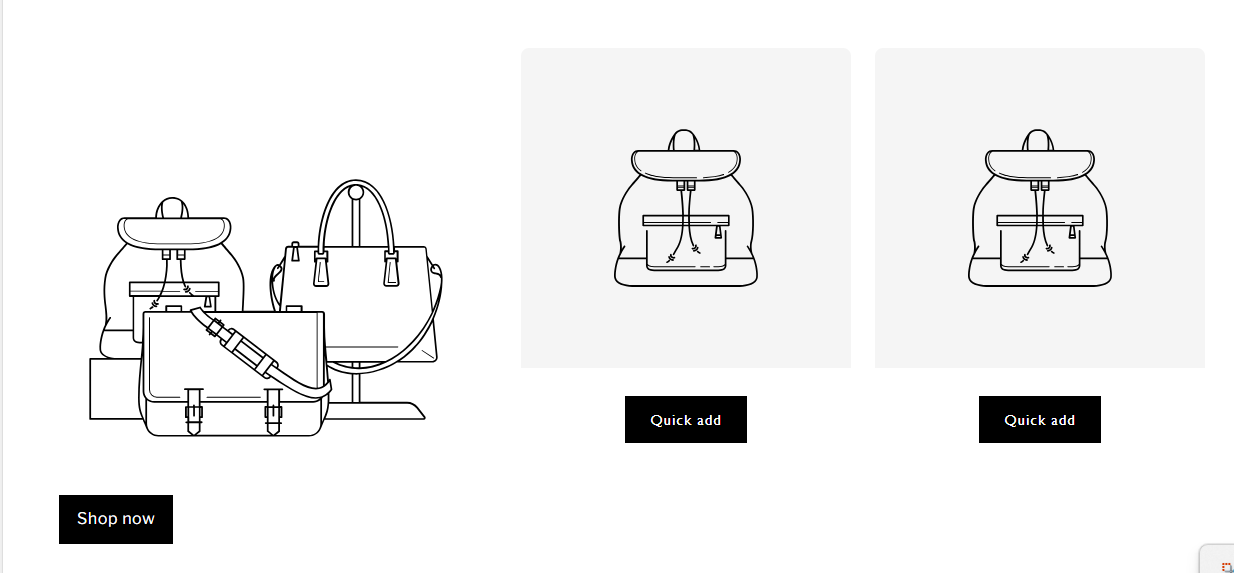
The Collection Spotlight section is designed to highlight a primary collection while showcasing selected products alongside it with Quick add functionality.
This section is ideal for homepage layouts where you want to drive users toward a featured collection while also encouraging fast product interaction.
Section Structure
The section consists of 3 blocks in total:
- Main Collection (Required)
- Product
- Product
A maximum of 2 Product blocks can be added.
Section Settings
These settings control the overall layout, spacing, and styling of the Collection Spotlight section.
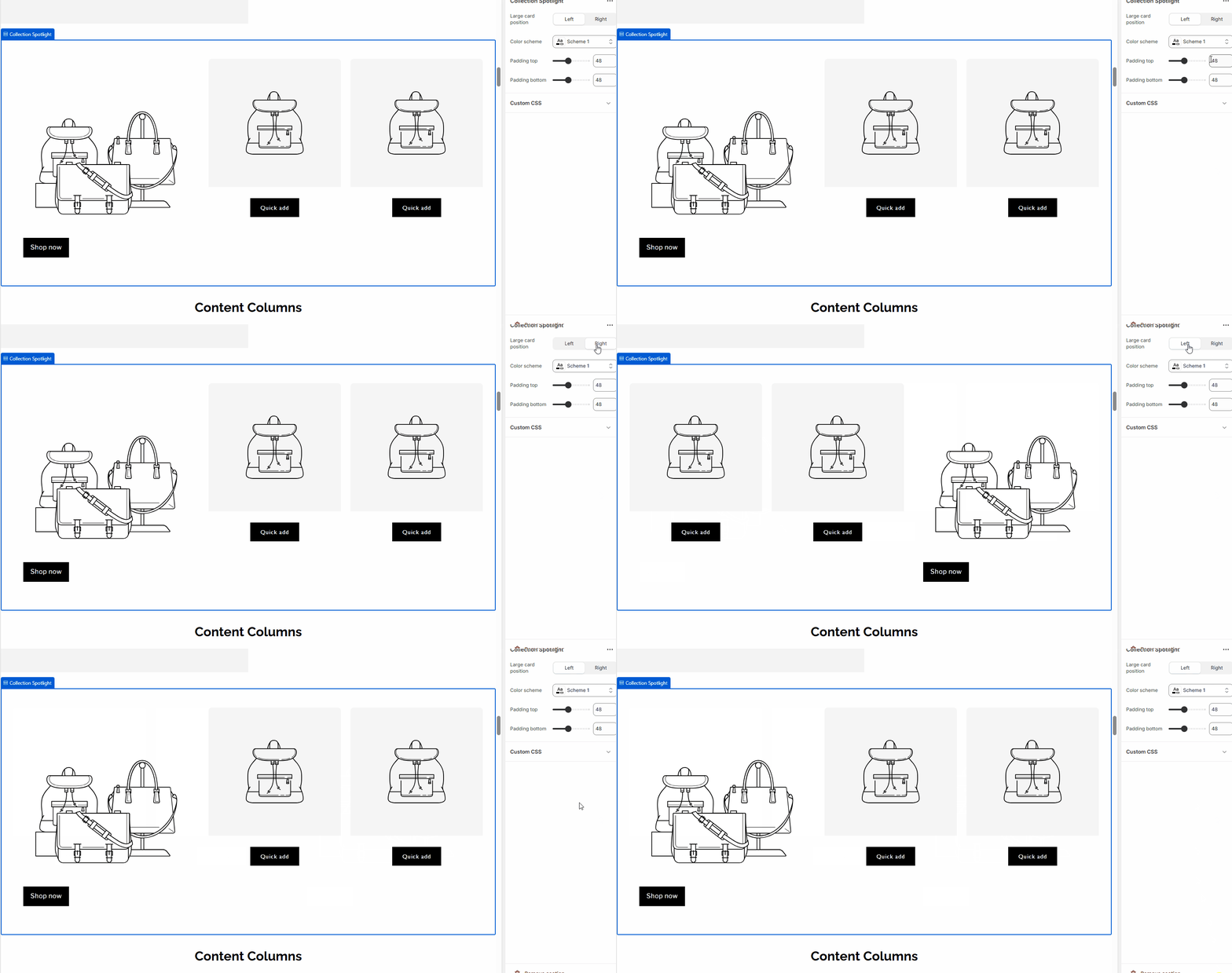
Large card position
Controls the position of the main collection card within the layout.
- Left – Displays the main collection card on the left side (default)
- Right – Displays the main collection card on the right side
Color scheme
Selects the color scheme applied to the entire section.
- Uses the theme’s predefined color schemes
- Affects background color, text color, and button styles
Padding top
Adjusts the top spacing of the section.
- Value is set in pixels
- Helps control vertical spacing between sections
Padding bottom
Adjusts the bottom spacing of the section.
- Value is set in pixels
- Useful for fine-tuning layout rhythm on the page
Custom CSS
Allows adding custom CSS rules scoped to this section only.
- Useful for advanced styling overrides
- Does not affect other sections
1. Main Collection Block
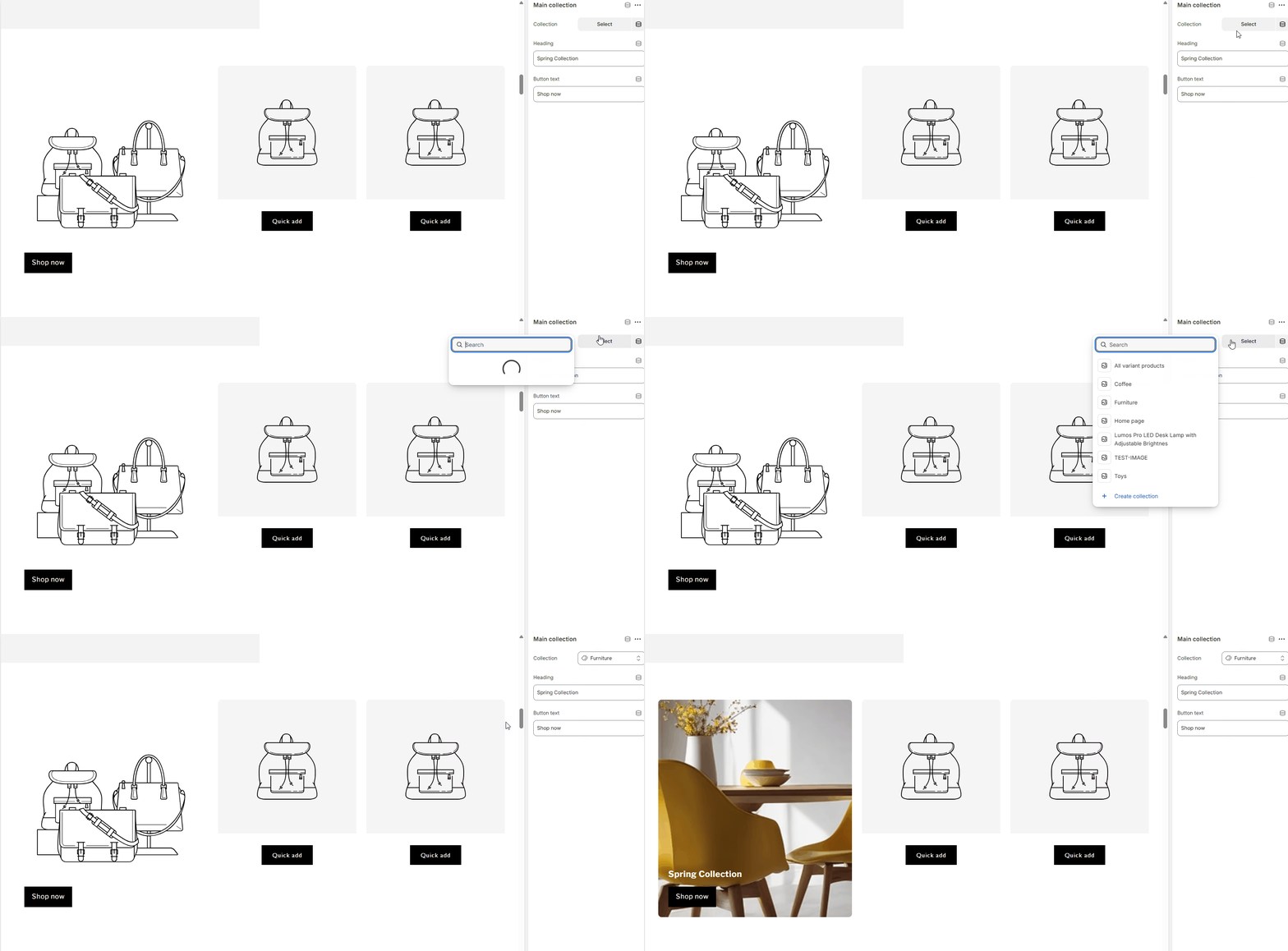
This block displays the featured collection in a larger layout area.
Settings:
-
Collection
Select the main collection to display.
-
Heading
Custom heading text for the collection (e.g. Spring Collection).
-
Button text
Call-to-action button label (e.g. Shop now).
Behavior:
- The collection image is automatically pulled from the selected collection.
- The button links directly to the collection page.
2. Product Blocks
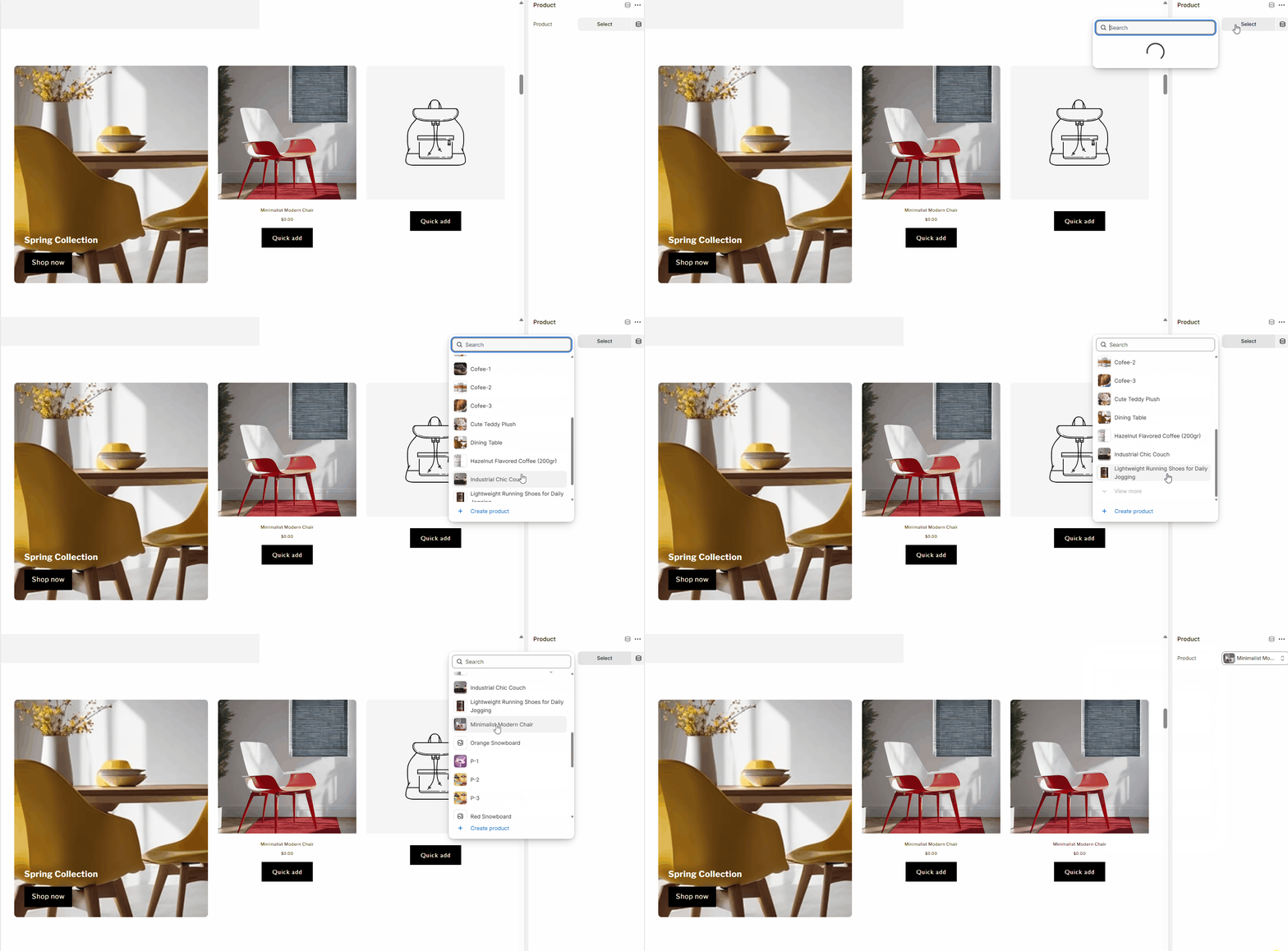
Each Product block displays a single product card next to the main collection.
Settings:
-
Product
Select the product to display.
Behavior:
- Product image, title, and price are displayed automatically.
- Includes a Quick add button for fast add-to-cart without leaving the page.